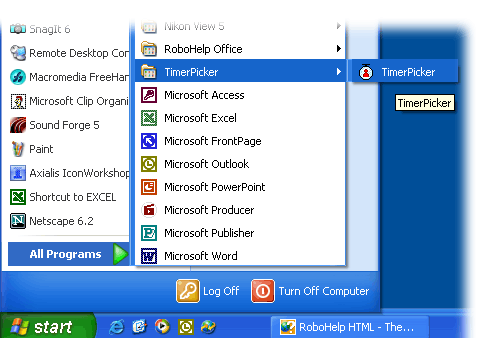
Start Menu in Windows XP Professional
You can launch the Horton Timer-Picker from the Start menu, the same way you launch other programs.
Start Menu in Windows XP Professional
Select the Start button.
Select Programs or All Programs.
Select TimerPicker. If you installed the Timer-Picker into another folder, you are on your own. Just keep clicking to open folders till you find the Horton folder.
Click TimerPicker program.